Packing decisions
Planning the move of a home office
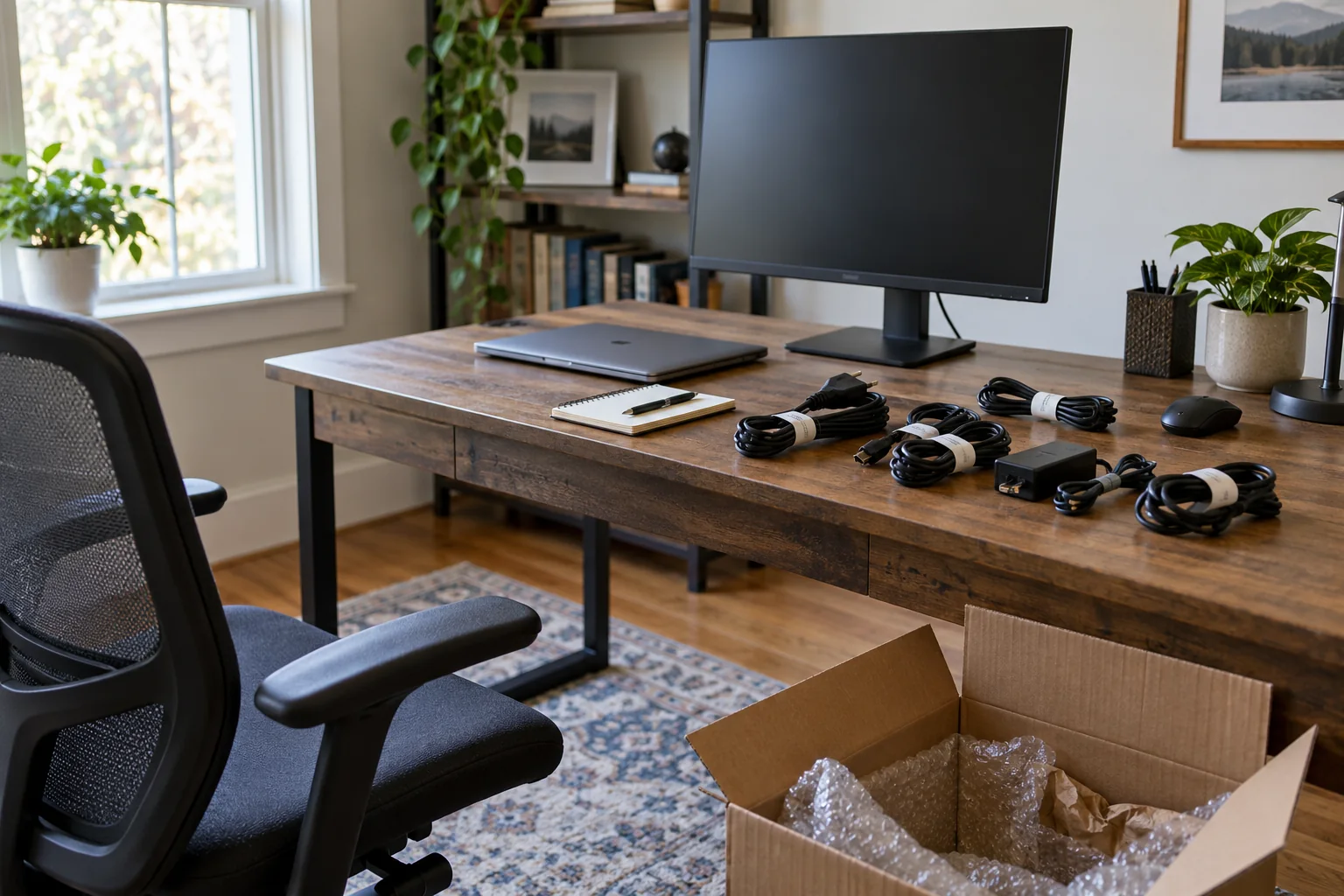
A home office move has two jobs: get the equipment to the new space, and make it possible to work there again. A desk and a few boxes can appear simple until a missing power adapter, inaccessible file, or untested internet connection delays the first workday. Plan the restart before dismantling the current setup. Decide what you must be able to do on arrival, then identify the equipment, information, and services those tasks require.
The plan depends on whether you work for an employer, run a business, study, or use the space for personal projects. Work devices may be subject to an employer's handling rules. Client documents and personal records may need more care than ordinary stationery. Read any relevant policy and ask the responsible organization about uncertain items before packing. A household checklist should support those requirements rather than replace them.
This guide focuses on practical sequencing: inventory the workstation, safeguard information, record the cable layout, pack devices according to their instructions, and test a workable desk setup at the new home. It does not assume every household needs a dedicated office or expensive supplies. The goal is to know what to do first and where to find what you need.
Define the first working session
Write down the tasks you expect to perform during the first day or two in the new home. They might include attending a video meeting, accessing a shared drive, printing a document, making a phone call, or using a specialized device. For each task, list the required equipment, account access, power, network connection, and physical workspace.
Be specific about dependencies. A laptop may run, but a meeting can still fail if the headset is packed elsewhere or the room has no reliable connection. A printer may arrive safely but be unusable without its cable, paper, and a suitable outlet. A desk might be present while the chair is still in storage. This exercise turns a vague “office essentials” label into a testable restart plan.
Decide whether you need an interim work arrangement. If the new home will not be ready immediately, identify a suitable alternative before you pack the old workstation. That could mean postponing meetings, using another appropriate location, or keeping a portable setup. Confirm that the arrangement meets any privacy or employer requirements; a public space may not be suitable for sensitive work.
Give the move plan an owner. If several household members use the same desk or network, agree who will pack shared devices and who will check that they are working after arrival. Duplicate assumptions cause missing accessories. A short written list is enough if it records each responsibility clearly.
Inventory devices and accessories
List each computer, monitor, docking station, keyboard, pointing device, headset, camera, external drive, printer, and specialized tool that will move. Include the power supplies and adapters they require. If you have several similar chargers, identify which one belongs to which device rather than placing all of them in a generic cable bag.
Record model information or serial numbers privately where it is useful for your own inventory, warranty records, or a carrier claim. Photograph each device's condition before packing if you want a reference. Store those details in a secure place, not on a public-facing carton label. Do not assume a photograph proves how damage happened, but it can help you identify an item and document its pre-move state.
Make a separate list for consumables and paper: printer supplies, notebooks, files, labels, and small tools. These do not need the same packaging as electronics. Decide what should be retained, recycled, shredded under your normal information-handling practice, or otherwise removed before the move. Reducing unnecessary paper can save packing time, but do not dispose of records subject to work or legal retention rules.
Check the new space for furniture dimensions and device placement. Measure the desk, chair, monitor stand, and storage pieces if the fit is uncertain. Include clearance for doors, drawers, and cables. The transport plan for a heavy desk is different from the plan for a laptop. Do not dismantle a piece until you know how it will be handled and rebuilt.
Protect access to your information
Before disconnecting equipment, confirm that important files are backed up according to the rules that apply to them. A work-managed computer may have an approved backup process; use it rather than copying data to a personal service. For personal devices, use a backup method you can verify and access after the move. A backup is useful only if it contains the needed files and you know how to restore or retrieve them.
Test a small sample. Open a recent file from the backup location or check the backup software's verification information. Record any access details you will need without placing passwords on a moving box or in an unprotected inventory. If a backup has failed, fix that before you power down the primary device. A move adds physical handling and interruptions to an already busy period.
Keep sign-in methods in mind. A code sent to a phone number, a hardware security key, or an employer authentication device may be required on the first workday. Decide which of those items must stay with you. Do not leave them in a box that may be inaccessible while you are trying to connect a computer.
If you handle confidential documents, follow the applicable work or professional policy for transport and storage. Ask who may carry them and whether they need a separate chain of custody. The answer depends on the information and your obligations. Do not assume a cardboard box marked “office” is enough protection for every type of record.
Photograph and label the cable layout
Take a few clear photos of the workstation before unplugging anything. Capture the back of the computer or dock, each monitor connection, the power strip, and any unusual device arrangement. A photo is a memory aid, especially when multiple cables look alike. Make sure the images show which cable goes where, not just a dense cluster behind the desk.
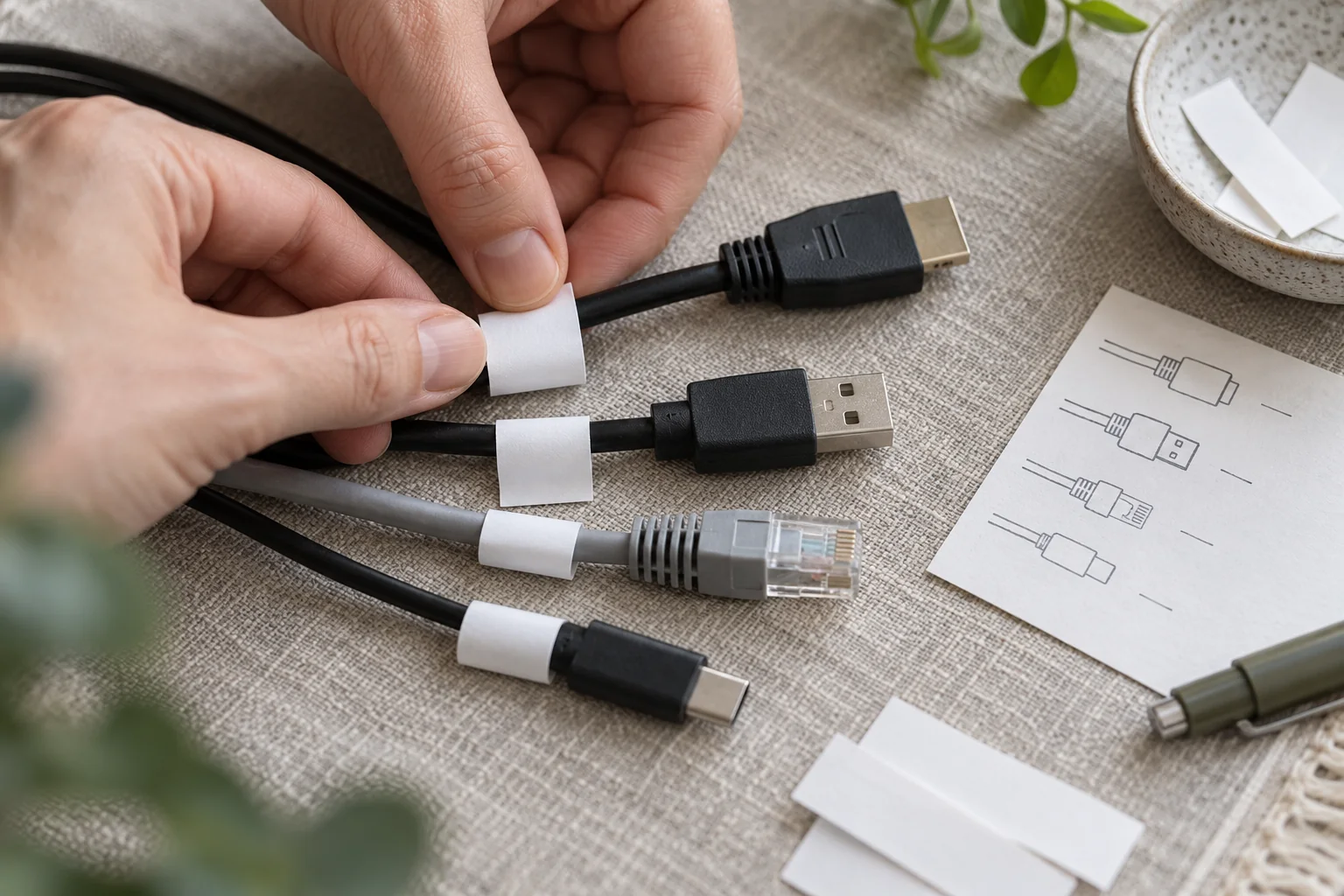
Disconnect one device at a time. Label both ends of a cable with a simple matching code if its destination may be unclear. For example, a monitor cable might have the same code at the display and dock ends. Use removable labels that do not damage the cable or hide manufacturer information. If cables are identical and interchangeable, grouping them by device may be enough.
Coil cables loosely and avoid sharply bending or crushing connectors. Follow product guidance for specialized cables or equipment. Put the cable set for each main device in its own bag or compartment, then label the bag. Do not tape a connector directly to a screen or put loose metal adapters against a device surface where they can scratch it.
Before you seal the accessory box, check every power brick, adapter, dongle, and detachable part against the inventory. Small pieces are easy to leave in a wall outlet or desk drawer. If the computer must stay operational until the last day, keep its necessary cables separate and add them to a final shutdown checklist.
Choose what travels with you
Some office items may be needed during transit or immediately after arrival. A laptop, charger, access token, sensitive document, and current project notes may belong in a personally carried kit, depending on the trip and applicable work rules. Keep that kit small enough to manage and secure. Record what is inside so it does not get mistaken for an ordinary packed carton.
Do not carry everything merely because it is electronic. Decide based on access needs, value, sensitivity, transport conditions, and carrier requirements. A large monitor may require a different packing and handling plan from a laptop. For the broader household decision, see what to carry with you instead of loading on the moving truck.
If you will leave the kit in a vehicle during stops, consider the exposure and security implications. Plan where it will be at each stage of travel. The exact approach depends on the journey, weather, and people traveling. Do not assume an unattended bag is protected simply because it is labeled as office equipment.
Keep backup copies and primary devices arranged according to your information policy. Putting a backup drive in the same box as the computer may make packing easy but can reduce the value of that backup if the box is lost or damaged. Choose separate handling when appropriate and permitted by the organization responsible for the data.
Pack screens and equipment deliberately
Review manufacturer instructions and the carrier's requirements before packing devices. Original packaging with fitted inserts may be useful if it remains sound and appropriate. Without it, choose materials that protect the equipment from movement, pressure, and contact with hard objects. Do not assume that wrapping the outside with a blanket protects every connector or glass surface.
Separate detachable stands, cables, and accessories in labeled bags. Keep screws or hardware with the relevant device while preventing them from scratching it. If a stand must be removed, record how it fits before disassembly. A photo of the attachment points can save time later.
Avoid overloading an electronics carton with books or heavy office supplies. A dense item can shift and press into a screen or device. Use a carton suitable for the contents and test whether they move inside after packing. Follow handling guidance for devices with batteries and any restrictions imposed by the carrier; requirements vary by item and transport method.
Label the carton with its new-home destination, a broad category such as “monitor,” and a box code. Do not write account details or exact asset values on the outside. If the provider uses its own inventory labels, keep them visible and record how they correspond to your household codes.
Plan the new space before loading
Inspect the room where the office will go. Note outlet locations, lighting, available wall space, ventilation, doorway width, and the route for bringing in large furniture. Measure before assuming that the old desk arrangement will fit unchanged. A desk that blocks a door or leaves no space for a chair may need a different position.
Think about the first work session, not only the final appearance. A simple temporary table may be enough for a laptop while larger furniture is arranged. Put priority boxes and essential power accessories in a location that can be reached without moving heavy stacks. If a workstation must be assembled, identify the tools and hardware that need to be available first.
Confirm the status of internet service and any building access needed for installation. Setup and activation details depend on the provider and address, so check the current instructions from that provider. If connectivity is essential on the first day, test it before a critical meeting and have a realistic contingency for an outage. A service order is not the same as a working connection at the desk.
Consider whether the new room supports privacy. A video call or confidential conversation may require a door, appropriate background, and reduced household traffic. Arrange the workspace so that cables do not cross walking paths. If children or pets will share the area, keep small accessories and power cords in a suitable place.
Label the office boxes for restart order
Use the same destination code system as the rest of the move, then add a useful category. “Office / cables for desk / O-03” is more useful than “miscellaneous.” Separate immediate work supplies from archived files or spare equipment. A private inventory can list exact contents without exposing them to everyone who sees the carton.
Mark only the cartons that genuinely need early access as priority. That might be the cable kit, keyboard, and essential documents. A room full of “open first” boxes makes the instruction meaningless. Keep a short priority list by code and check those cartons at delivery.
If several people have home offices, distinguish their destinations clearly. “Office” may refer to two workstations or a shared room with different sides. Use a person-neutral location code if that is clearer, and put the equipment owner's details in the private list. Make room signs match the carton labels so unloading does not depend on someone knowing who uses each desk.
When a carton changes contents, correct its label and inventory entry. Do not keep a stale list because you assume you will remember the change. Office equipment includes many visually similar small parts; accurate box codes save time when setting up.
Shut down the old workspace in stages
Set a last working session for the old setup. Before that session, finish backups, transfer any files required by your work process, and confirm that your travel kit contains the necessary access tools. Avoid dismantling the network or desk while someone else in the household still relies on it.
After the final session, sign out or shut down devices according to their normal procedure and any organizational instructions. Disconnect equipment methodically using the photos and cable labels. Check outlets, under-desk trays, drawers, and wall shelves for adapters and small devices. Put hardware from furniture in clearly identified bags.
If some office belongings will go into a storage unit before reaching the new home, make a separate inventory for that route. Choose which devices and records can be inaccessible, identify anything sensitive that requires a different plan, and label storage cartons with a code that matches your list. The timing and environmental conditions of storage affect what you can reasonably put away. Work through those decisions using packing when your belongings will go into storage before the boxes are loaded. Do not let a priority work item enter storage simply because it was packed with the rest of the office.
If an employer owns equipment, follow its transport and reporting policies. You may need permission to move it or a record of where it will be used. Do not alter device settings merely to make the move easier if doing so conflicts with those rules. Ask the responsible person before making an uncertain change.
Clean the work surface and devices only in ways suitable for them. A rushed wipe with an unsuitable product can cause damage. If a device needs attention before packing, use its manual or support guidance. Then confirm that the inventory matches the equipment being loaded or carried.
Restart in a sensible order
At the new home, make the physical area safe and usable before assembling the full setup. Place the desk and chair, confirm stable furniture, and clear the cable route. Open the priority kit and connect only the equipment needed for the first working session. This reduces the number of things to troubleshoot at once.
Test power, network access, input devices, audio, camera, and the files you need. If the device is managed by an employer, use its approved setup steps. Check that your backup remains accessible even if you do not need to restore anything. Keep the cable photos available until the arrangement works.
Then add secondary equipment: printer, extra display, speakers, storage devices, and archived files. Mark each box off the private inventory as it is unpacked. If something is missing, search nearby unloading areas by code and document what you find. Follow the carrier's process promptly if a provider handled a shipment and a box appears missing or damaged.
Do not try to achieve the perfect office on the first hour if a functioning workstation is the immediate need. Once the essential setup is stable, adjust lighting, ergonomics, storage, and cable organization. The move plan succeeds when you can perform the work you expected to do and know where the remaining equipment is.